OpenAI ChatGPT API Review: Features, Models, Examples, and Pricing in 2026
Information current as of September 29, 2026.
Over the past few years, the OpenAI API has changed so much that older guides covering GPT-3.5, GPT-4, the Completions API, and DALL·E no longer describe the modern platform. Today, it is more than an API for sending text to a chat model: it is a set of tools for building multimodal applications, search systems, voice interfaces, and AI agents that can work with external data and call application functions.
“ChatGPT API” is still common in searches and everyday conversation, but OpenAI API is the more technically accurate term. ChatGPT is OpenAI’s ready-to-use product for individuals, while the API is a separate developer platform for connecting GPT and specialized models to your own websites, applications, and internal systems.
What has changed in the OpenAI API
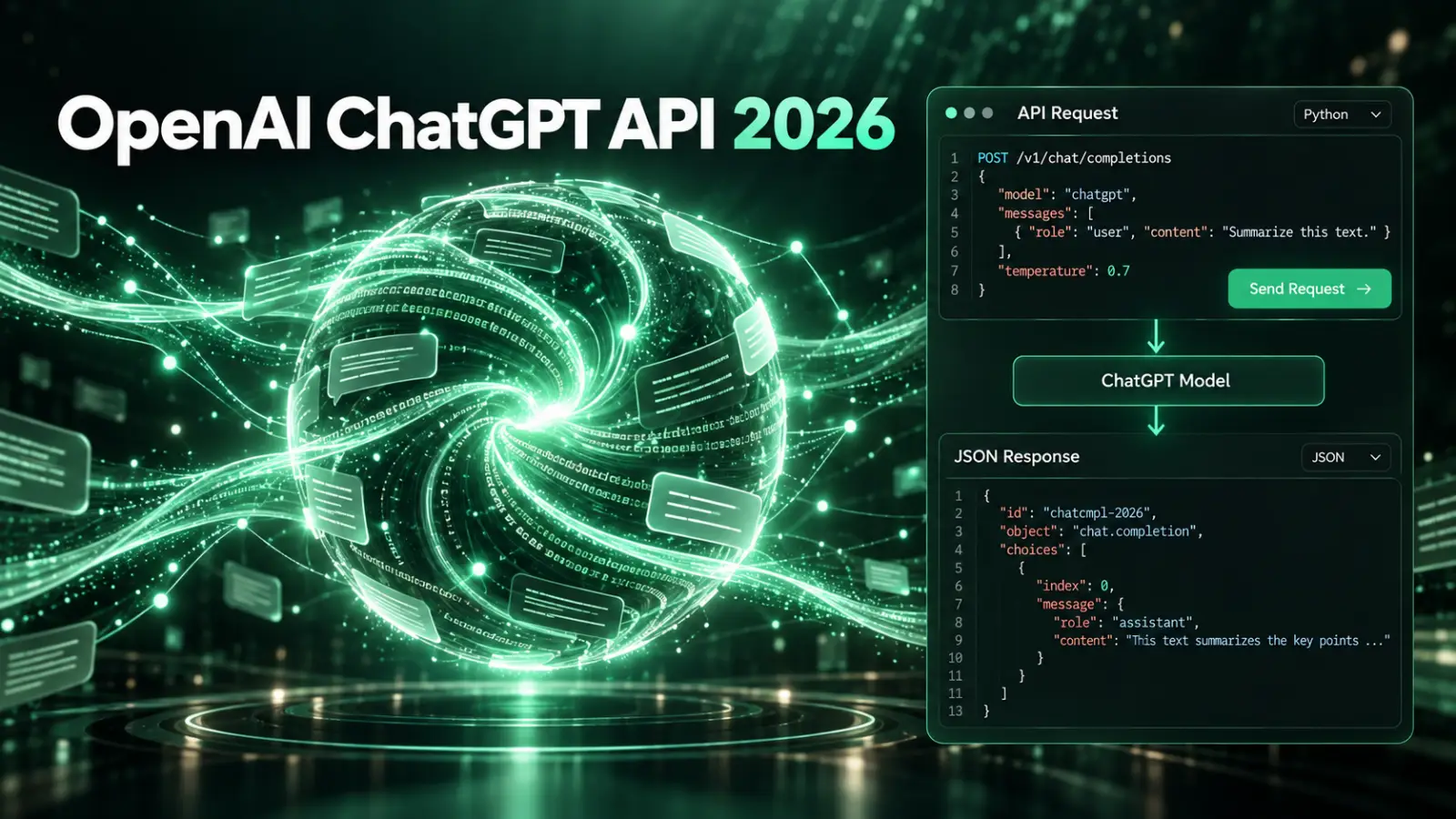
In the past, a typical integration was simple: an application sent a prompt and the model returned text. Then the Chat Completions API added message history and roles. In 2026, the Responses API is the primary interface for new projects, bringing together generation, multimodal inputs, tools, and multi-step workflows.
The main changes can be grouped into a few areas:
- models now work with images, files, and other input types in addition to text;
- reasoning models can spend more compute on difficult tasks;
- models can use built-in web search, file search, Code Interpreter, Computer Use, and external tools;
- function calling lets a model call functions and APIs in your application;
- Structured Outputs returns data that follows a JSON Schema instead of relying on free-form text parsing;
- separate APIs and models are available for realtime voice, transcription, speech generation, and image generation;
- background mode and agent workflows support longer-running tasks.
The Chat Completions API has not gone away and remains supported. OpenAI recommends the Responses API as the default for new integrations.
The Responses API is the primary way to work with GPT
You can think of the Responses API as the modern foundation of the OpenAI API. In one request, a model can receive instructions, text or images, call a tool, access external data, and return either plain text or a structured result.
A minimal request looks like this:
curl https://api.openai.com/v1/responses \
  -H "Content-Type: application/json" \
  -H "Authorization: Bearer $OPENAI_API_KEY" \
  -d '{
    "model": "gpt-6-luna",
    "input": "Briefly explain the difference between REST and GraphQL."
  }'
That is enough for a simple text generator. The main difference from the older Chat Completions API becomes clear when an application needs tools, context, search, file handling, or several actions as part of one task.
For example, you can let the model decide whether it needs to search the web:
{
  "model": "gpt-6-sol",
  "tools": [
    {
      "type": "web_search"
    }
  ],
  "input": "Find the latest changes to the PHP specification and briefly list the main ones."
}
The application receives an answer informed by current web sources, rather than only text from the model’s training data.
Current GPT-6 models
As of late September 2026, OpenAI’s main model family consists of GPT-6 Astra, GPT-6 Sol, and GPT-6 Luna. All three models have a context window of up to 1.05 million tokens and a maximum output of 128,000 tokens, but each is intended for different use cases.
| Model | Best suited for | Context | Input per 1M tokens | Output per 1M tokens |
|---|---|---|---|---|
| GPT-6 Astra | The hardest tasks, research, coding, and multi-step work | 1.05M | $10 | $50 |
| GPT-6 Sol | Complex development, analysis, and agent workflows at a balanced price | 1.05M | $2 | $10 |
| GPT-6 Luna | High-volume, relatively routine tasks where cost matters | 1.05M | $0.10 | $0.50 |
The table shows standard processing rates for short context. Higher rates apply to very large inputs, so a million-token context window does not mean it should be filled for every request.
In practice, it is better to start model selection with something other than the most expensive option. Luna is often enough for classification, data extraction, simple text transformations, and high-volume automation. Sol can make sense for development, analytics, and multi-step workflows, while Astra is for cases where its extra quality justifies a substantially higher price.
Reasoning: a model can spend more time on a difficult task
Modern GPT models support adjustable reasoning effort. Instead of expecting every task to receive the same amount of compute, you can allocate more effort to complex analysis, coding, or planning.
This matters when building AI features: cost depends not only on the model, but also on task complexity, context length, and the number of reasoning tokens. For production systems, it is often more useful to use several models and reasoning levels than to send every request through the most powerful configuration.
Older examples that rely on constantly adjusting temperature are also becoming less universal. Some classic generation parameters may not apply to modern reasoning models, so check the documentation for the specific model when migrating.
Function calling and tools
One of the main differences between the modern OpenAI API and a regular chatbot is the ability to connect a model to real application functions. You describe available actions with a schema, the model decides which function to call and with what arguments, and your backend remains in control of execution.
For example, an online store could give a model access to findOrder, checkStock, and createSupportTicket. A user might say, “Check where my order is, and if it is more than two days late, create a support ticket.” The model can break down the request and call the required functions, while the application keeps control of database access, user permissions, and real data changes.
The Responses API also includes built-in OpenAI tools:
- web search for current information on the internet;
- file search across your document library and vector store;
- Code Interpreter for calculations and data processing;
- Computer Use for interacting with graphical interfaces;
- remote MCP for connecting compatible external systems;
- your application’s own functions and custom tools.
This makes the OpenAI API useful not only for chatbots but also as a foundation for full AI agents.
Structured Outputs: when you need data instead of prose
A regular language model response is a poor fit for backend logic when an application expects specific fields. Asking a model to “return JSON only” is not enough: it may change the structure, add an explanation, or omit a required field.
Structured Outputs addresses this by letting a developer define a JSON Schema that the model follows. This is useful for extracting data from email and documents, classifying requests, generating object parameters, filling forms, and other workflows where software processes the result.
You can use Structured Outputs for a direct model response or alongside function calling when a function requires structured arguments.
Working with your documents and knowledge base
A common task is giving a model access to internal documentation, a product catalog, a library of instructions, or a large set of articles. Developers used to build embeddings, store them in a vector database, retrieve relevant passages, and add those passages to the prompt themselves.
That approach is still available. OpenAI offers text-embedding-3-small and text-embedding-3-large, which turn text into numerical vectors for semantic search, recommendations, clustering, and classification.
There is also a simpler option: built-in file search. Upload files to an OpenAI vector store and the Responses API can find relevant passages before generating an answer. For many projects, this makes it possible to build RAG without separate search infrastructure.
Do not confuse providing a model with a knowledge base and fine-tuning it. If you need to give a model new facts or information that changes often, retrieval, file search, or your own database is usually the better choice than retraining the model.
Fine-tuning is no longer the main direction
Older OpenAI API guides often presented fine-tuning as the main way to adapt a model to a task. By 2026, the situation has changed: OpenAI is winding down its separate fine-tuning platform, and it is no longer available to new users.
For most application tasks, it now makes more sense to start with good instructions, Structured Outputs, tools, retrieval, and evaluations. Fine-tuning was historically useful for reliably changing a model’s behavior or output format, but it was never a good way to “upload” fresh knowledge to a model.
Image generation and editing
The OpenAI API can analyze, generate, and edit images. New integrations use the GPT Image 2.5 family.
At the time of writing, two main options are available:
gpt-image-2.5-sunburstfocuses on quality, precise editing, and preserving details;gpt-image-2.5-flareis a faster option for everyday image generation.
You can create images through the separate Images API or use image generation as a tool inside the Responses API. The latter is useful for conversational editing, where a user can refine an image over several turns: change an object, preserve a character’s face, replace a background, or rework one part of the image.
The APIs support different sizes, PNG, JPEG, and WebP, quality controls, transparent backgrounds, and editing from source images. The new models also support custom dimensions within defined limits, including resolutions up to 4K.
Audio, transcription, and voice interfaces
For transcribing existing audio files, OpenAI recommends gpt-transcribe. It converts speech to text and, at the time of writing, costs approximately $0.0045 per minute of audio.
For the reverse task, the Text-to-Speech API includes gpt-4o-mini-tts, which converts text into natural-sounding speech and offers several built-in voices. If an application plays a synthetic voice to a user, OpenAI requires it to disclose that the speech was generated by AI.
The Realtime API is another option. The gpt-realtime-2.1 model accepts and returns audio in real time, supports text, image input, and function calling, and can connect over WebRTC or WebSocket. It suits voice assistants, call centers, language-learning tools, and interfaces where the usual “record a file, upload it, wait for a response” flow is too slow.
AI agents and the Agents API
The Responses API already lets you build an agent loop yourself: a model receives a task and chooses a tool, the application executes the action, and the result goes back to the model so the workflow can continue. OpenAI offers additional abstractions for complex, long-running agents.
The Agents SDK is for cases where the agent runtime and most of the logic stay inside your application. The Agents API goes further: OpenAI manages the session, orchestration, context, and recovery, and the agent can use a sandbox for running code, working with files, and connecting to MCP servers.
The Agents API is unnecessary for a basic text generator or website support bot. It becomes useful when work takes a long time, involves many steps, and needs to preserve state between actions.
Background mode for long-running requests
Some reasoning tasks and agent workflows can take minutes. Keeping an HTTP connection open that long is inconvenient and unreliable, so the Responses API supports background mode.
An application starts a task with background: true, receives a response ID, and checks the task’s status afterward. This approach can suit large reports, complex data analysis, extended tool use, and other jobs that may exceed a normal web request timeout.
Batch API and lower costs
If a result is not needed immediately, you can use the Batch API. Requests are collected in a JSONL file and processed asynchronously. OpenAI lists a 50% discount compared with standard synchronous requests, and batch execution completes within 24 hours, often much sooner.
The Batch API is useful for bulk classification, description generation, catalog processing, review analysis, embeddings, and other background jobs.
OpenAI also uses prompt caching. When many requests begin with the same instructions or large, unchanged context, the reused portion may cost substantially less. Stable instructions and schemas are therefore best placed near the start of a prompt and left unchanged when possible.
How much does the OpenAI API cost?
Cost depends on the model, the number of input and output tokens, the tools used, and the processing mode. The Responses API and Chat Completions endpoints are not billed separately; most of the cost comes from model usage and additional tools.
Prices can vary widely between models. For example, a request with 100,000 input tokens and 10,000 output tokens at the standard short-context rates would cost approximately:
| Model | Approximate cost |
|---|---|
| GPT-6 Luna | $0.015 |
| GPT-6 Sol | $0.30 |
| GPT-6 Astra | $1.50 |
This is an example that excludes additional tools, long context, and other surcharges. It illustrates why model choice should be based on testing rather than always using the most powerful option.
Some tools are billed separately. For example, web search costs $10 per 1,000 calls. Image generation, realtime audio, transcription, and other specialized services have their own pricing, so estimate costs against the actual product workflow before launch.
Using the OpenAI API with PHP
You do not need a specific programming language to use the OpenAI API. It is ordinary HTTP, so you can call it from PHP, Python, JavaScript, Java, Go, or any other backend language.
For PHP, a popular community client is openai-php/client:
composer require openai-php/client
A simple Responses API request looks like this:
<?php

require 'vendor/autoload.php';

$client = OpenAI::client($_ENV['OPENAI_API_KEY']);

$response = $client->responses()->create([
    'model' => 'gpt-6-luna',
    'input' => 'Write a short product description for an online store.',
]);

echo $response->outputText;
In Laravel, store the key in .env and access it through application configuration. Never pass a primary OpenAI API key directly to JavaScript in a browser or mobile app: route requests through your backend or use a purpose-built secure mechanism with restricted access.
How to use the API safely
Connecting a model to an API is technically straightforward. The real challenge begins when the model’s answer affects real data, money, messages, orders, or user actions.
In production:
- check user permissions in ordinary backend code rather than trusting a model to make that decision;
- validate function-calling arguments before executing them;
- require confirmation for irreversible or financially significant actions;
- limit which models and tools can access each area of data;
- account for prompt injection when processing web pages, files, and external sources;
- log important operations and verify the result after changing an external system;
- use moderation and your own business rules wherever users can submit arbitrary content.
For structured operations, prefer a workflow where the model proposes an action, the application validates it, the action runs, and the application reads back the result. Do not give a model unrestricted access to business APIs.
Data privacy
By default, OpenAI does not use data sent through the API to train its models unless a customer explicitly opts in to share it for model improvement. This is an important difference from some consumer AI-service scenarios.
However, “not used for training” does not mean “never stored.” Different endpoints and features have their own application-state rules, and abuse-monitoring data may be retained for up to 30 days by default. Organizations with stricter requirements can use special retention controls and data residency. Review the requirements before sending personal, medical, financial, or corporate data.
Common OpenAI API use cases
In web development, the API can be used for much more than a basic chatbot:
- customer support connected to a knowledge base and user data;
- intelligent search across documentation, products, or a large catalog;
- structured extraction from email, documents, and support requests;
- classification, summarization, translation, and content adaptation at scale;
- image analysis and processing of user photos;
- image generation and editing for websites and applications;
- voice assistants and realtime conversations;
- coding assistants and internal developer tools;
- AI agents that gather information from several systems and perform controlled actions.
The key change in recent years is that a model no longer has to be the final step in a workflow. It can be the intelligence layer between a user, an interface, databases, search, and an application’s business functions.
Which model should you choose?
As a practical starting point, try GPT-6 Luna first for high-volume, well-defined tasks. GPT-6 Sol suits more demanding analysis, coding, and workflows that use several tools. GPT-6 Astra is an option for the hardest tasks, where answer quality matters more than cost and latency.
For images, audio, embeddings, and realtime use cases, choose specialized models instead of trying to solve everything with one GPT model. In production, the best choice usually comes from your own evaluations: build a set of real examples, compare several models, and select the least expensive one that reliably meets your requirements.
Conclusion
In 2026, the OpenAI API is more than “a way to reach ChatGPT over HTTP.” The Responses API brings together reasoning models, multimodal input, tools, structured outputs, and multi-step workflows. Specialized APIs cover images, voice, search, embeddings, and long-running agent tasks.
For most new projects, a sensible architecture starts with the Responses API and the least expensive model that handles the real use case. Add function calling, Structured Outputs, file search, web search, or specialized models only as needed. This approach is usually more reliable and less expensive than trying to solve everything with one enormous prompt and the most powerful model.
Official sources
- OpenAI API models: https://developers.openai.com/api/docs/models
- API pricing: https://developers.openai.com/api/docs/pricing
- Migrating to the Responses API: https://developers.openai.com/api/docs/guides/migrate-to-responses
- Tools: https://developers.openai.com/api/docs/guides/tools
- Web search: https://developers.openai.com/api/docs/guides/tools-web-search
- File search: https://developers.openai.com/api/docs/guides/tools-file-search
- Structured Outputs: https://developers.openai.com/api/docs/guides/structured-outputs
- Function calling: https://developers.openai.com/api/docs/guides/function-calling
- Image generation: https://developers.openai.com/api/docs/guides/image-generation
- Realtime API: https://developers.openai.com/api/docs/guides/realtime-conversations
- Transcription: https://developers.openai.com/api/docs/guides/speech-to-text
- Agents: https://developers.openai.com/api/docs/guides/agents
- Batch API: https://developers.openai.com/api/docs/guides/batch
- Data controls: https://developers.openai.com/api/docs/guides/your-data
- PHP client: https://github.com/openai-php/client
Related: a comparison of OpenAI API alternatives: Claude, Gemini, Grok, DeepSeek, and more.
Related: a dedicated Anthropic Claude API review.
Related: a dedicated Google Gemini API review.
Related: a dedicated xAI Grok API review.
Related: a dedicated DeepSeek API review.
Our projects
- Anilau
Web development and digital product launch. - Botmarketing
Telegram bots, mini apps, storefronts and CRM for small businesses. - vietnam.anilau.com
Listings, local services and practical guides to Vietnam. - bali.anilau.com
A marketplace for goods and services in Bali. - ceylon.anilau.com
Listings, services and practical information about Sri Lanka. - mauricetop.anilau.com
A platform for listings and information about life in Mauritius. - funlab
A platform for creating and playing AI-generated games. - aura
An AI mood diary and creative space. - drained
A Telegram Mini App for daily fatigue check-ins and recovery. - vietinfodesk
Practical guides, services and help for life in Vietnam. - frau
A cozy Nha Trang cafe profile featuring waffles, breakfast and drinks.
We work in partnership with creative agency Deep.